Our products
Software we design, build and ship ourselves.
SEAL and Tick are mobile apps on the App Store and Google Play; Ferrite is a disk health app for Windows. All three are developed by Arkon Technology.

SEAL — Deal Receipts
Seal your word.
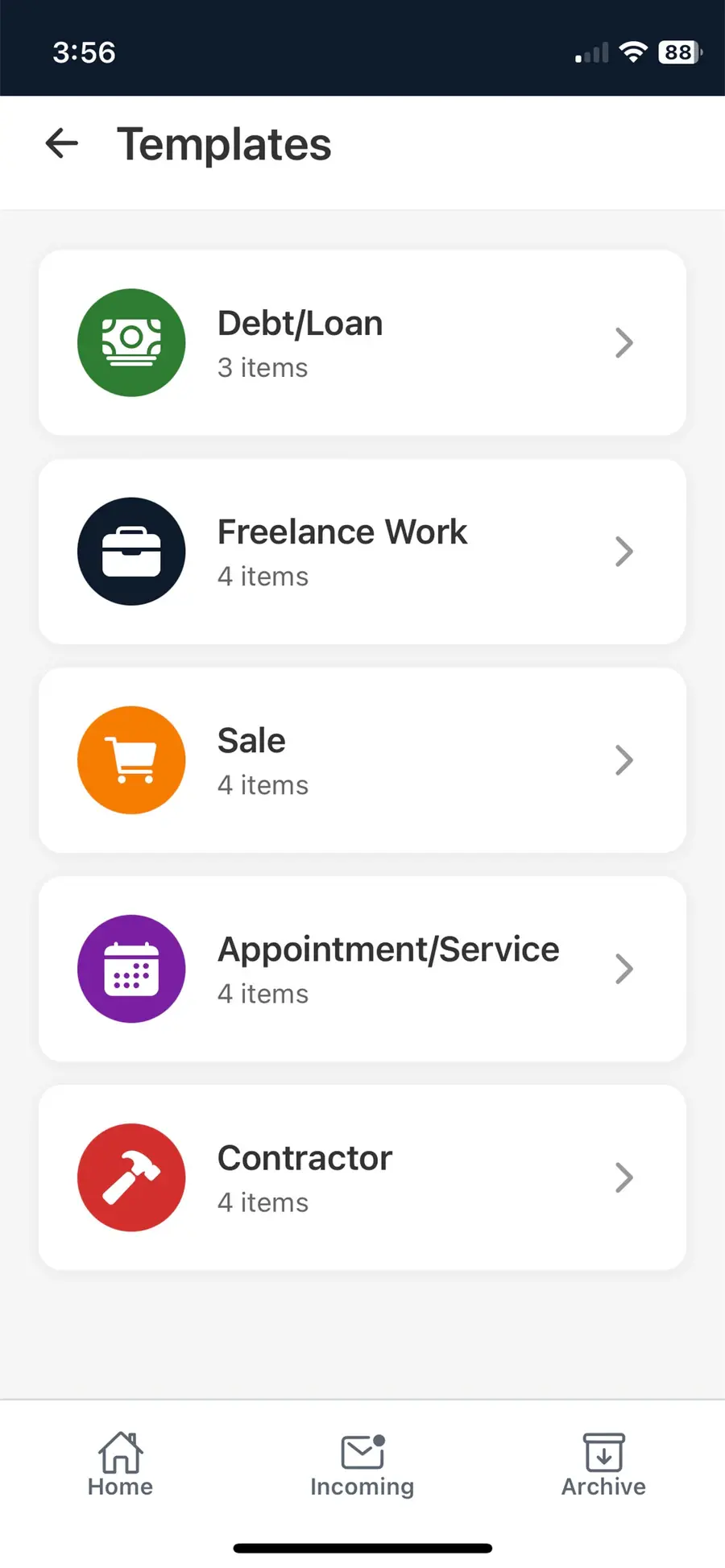
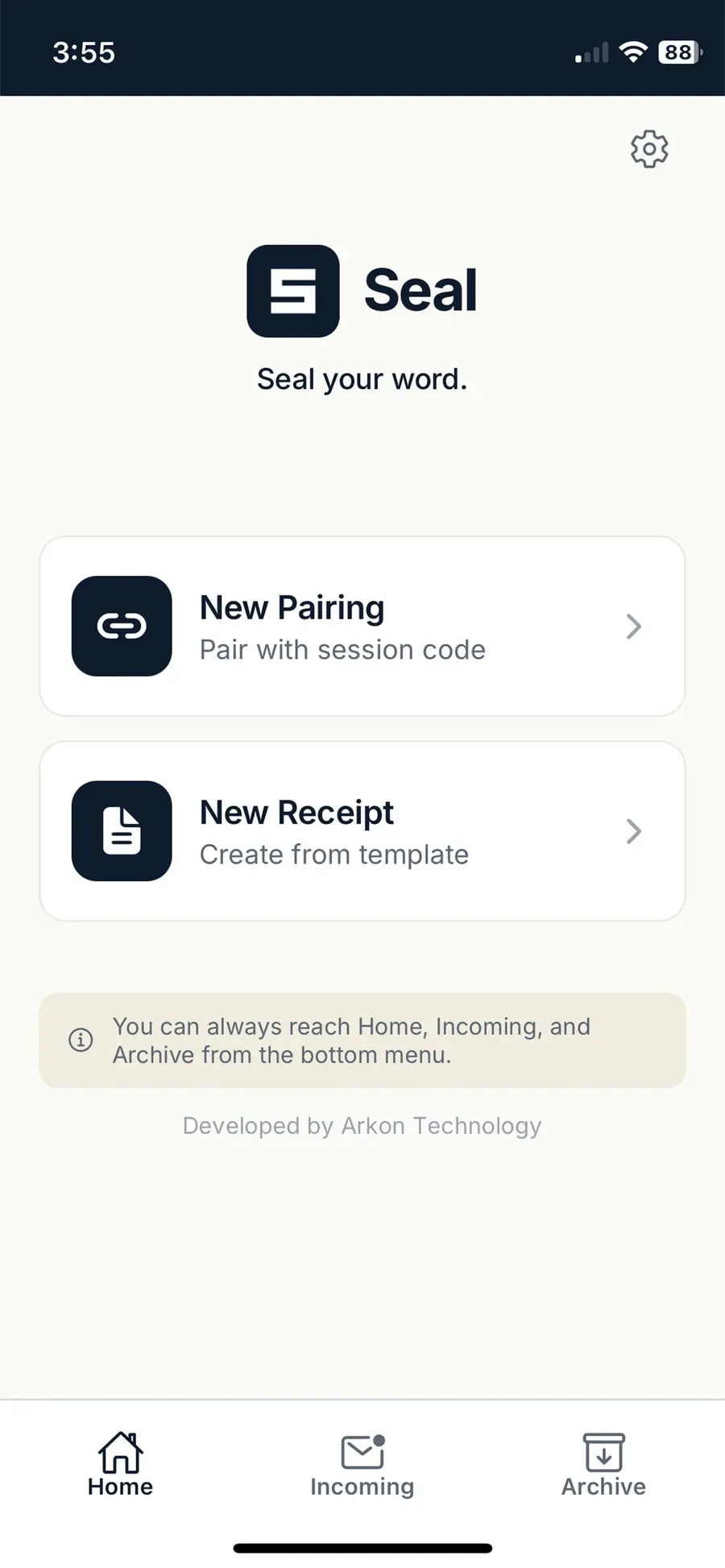
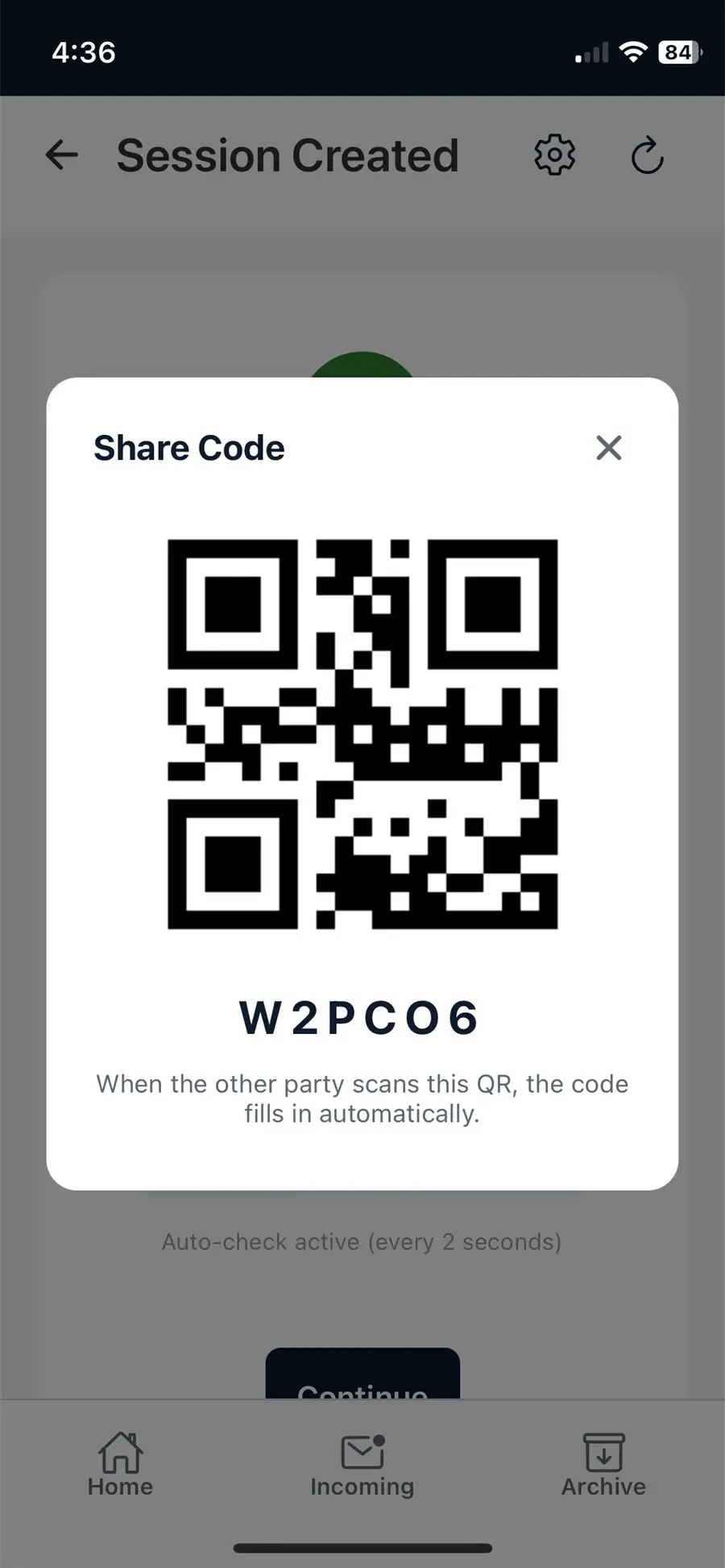
SEAL turns a verbal agreement between two people into a signed, tamper-evident digital receipt that anyone can verify.
One party picks a template (loan, freelance job, sale, appointment or contractor work), writes down the terms and pairs with the other party by QR code or a six-character code. The other party can approve, propose an edit or decline. Once both sides approve, the receipt is sealed and can no longer be changed.
Highlights
- Signed on the device: every approval carries an Ed25519 signature, and the private key never leaves the phone.
- Tamper-evident: every action is appended to a SHA-256 hash chain, so any later change can be detected.
- Verifiable by anyone: the receipt code opens a public check at getseal.app/verify, with no app needed.
- Passwordless: sign-in uses phone verification over WhatsApp.
- Five templates, pairing by QR code or code, and PDF export.


- Availability
- iPhone, iPad and Android · English, Turkish and Arabic
- Pricing
- Free to download. Creating new sealed receipts needs a SEAL Plus subscription; reading, receiving and signing receipts, PDF export and public verification are free, and the other party never needs a subscription.
- Built with
- React Native
- Expo
- TypeScript
- FastAPI
- Ed25519
- SHA-256
SEAL does not replace a qualified e-signature or a notary.

Tick: Offline Expense Tracker
Log an expense in five seconds.
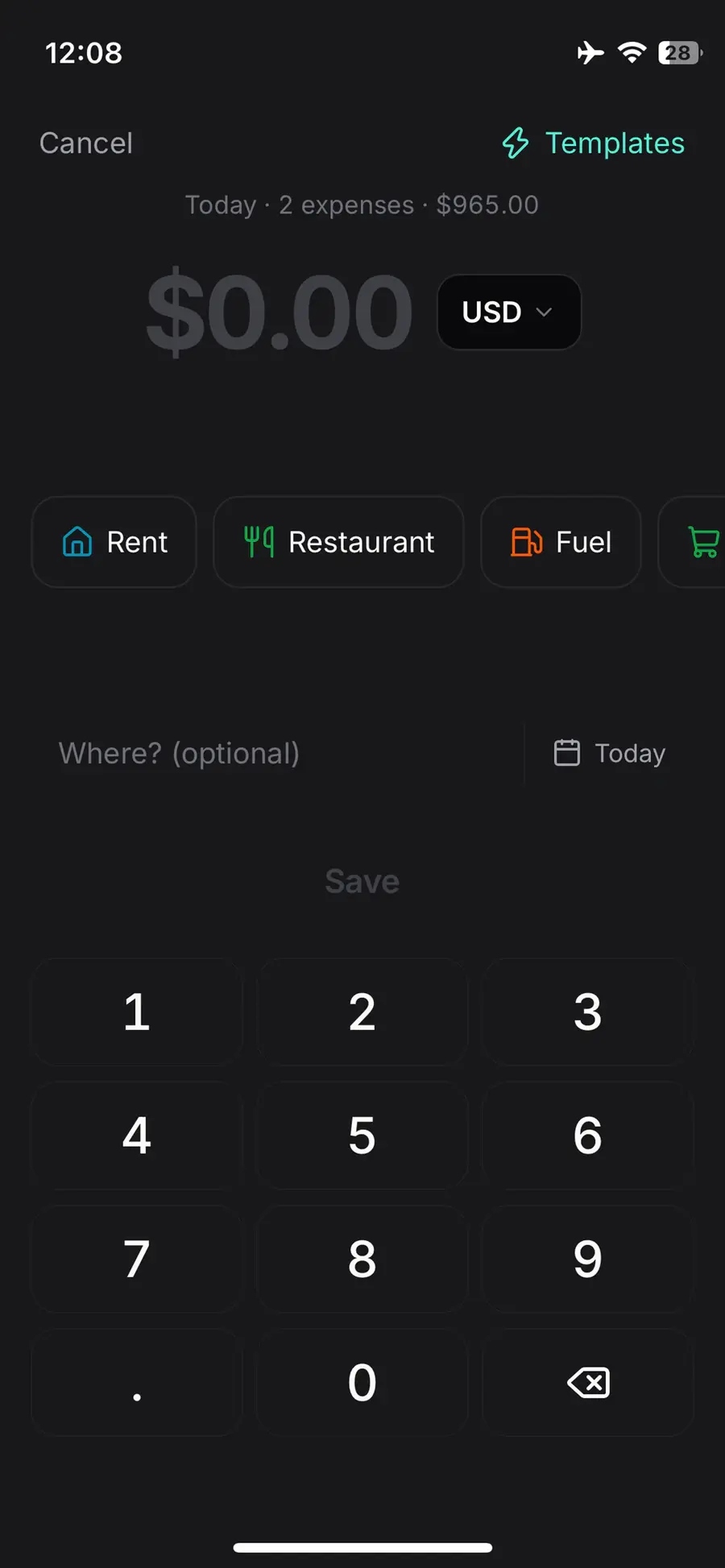
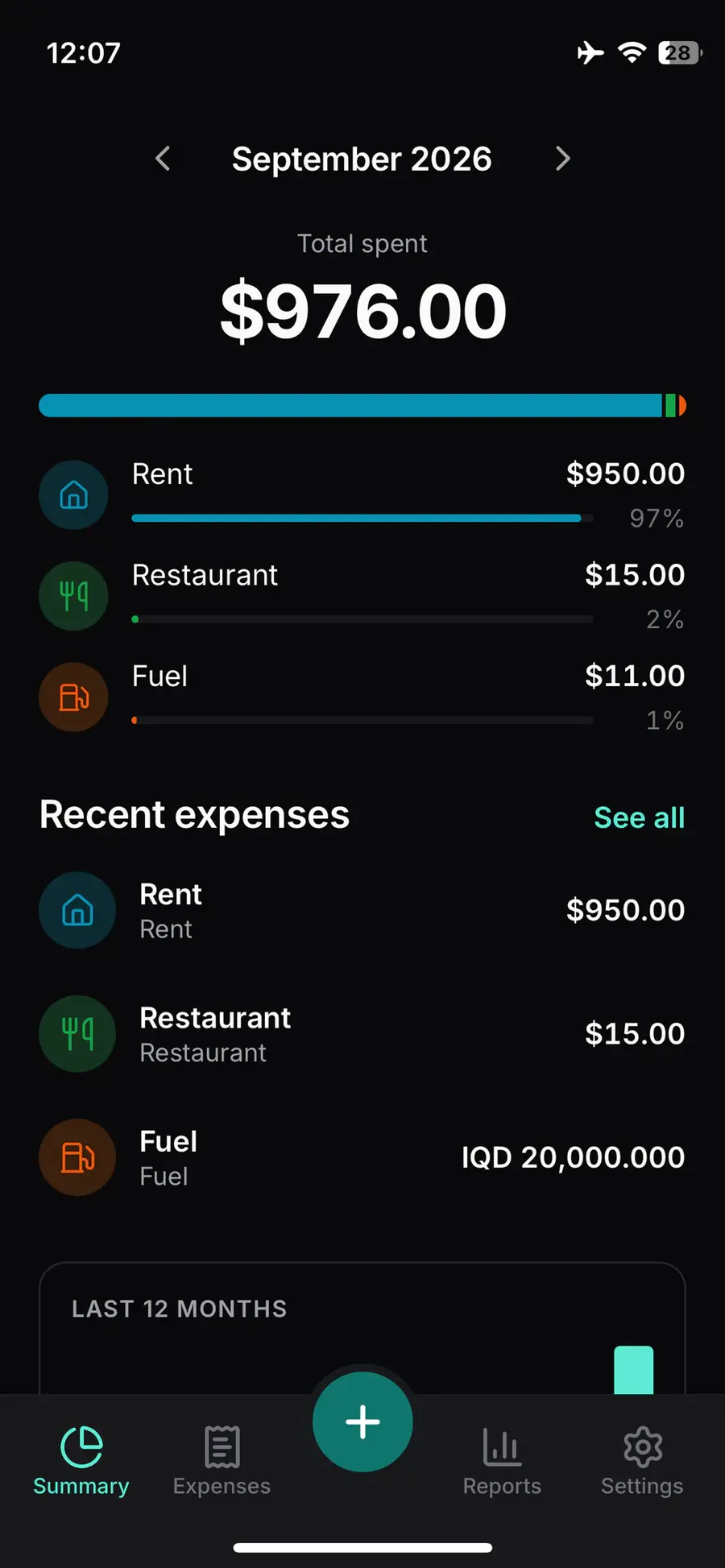
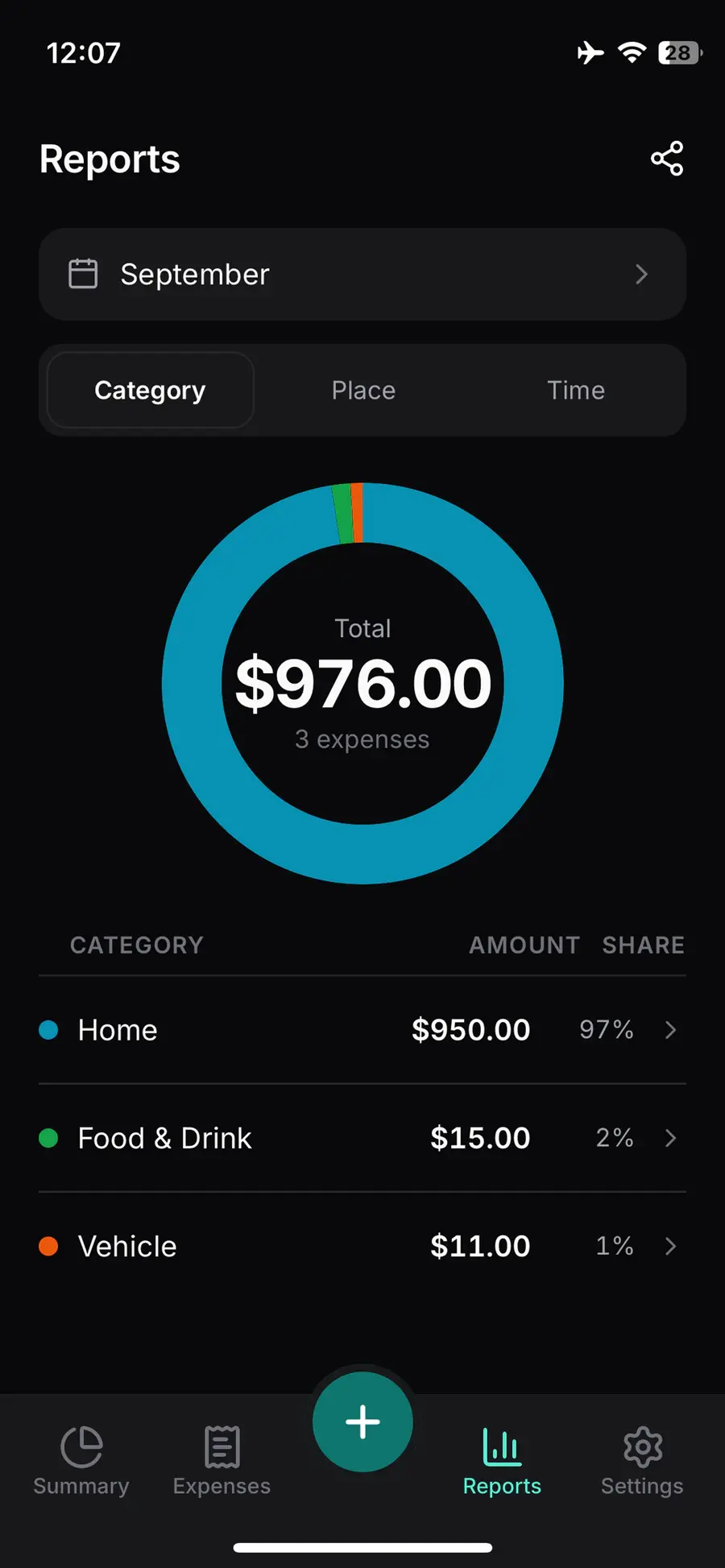
Tick is an expense tracker for iPhone and Android built around one target: logging an expense should take about five seconds. The amount is the only required field; category, place, date, note, tags and a receipt photo are optional and can be added later.
It is made for people who spend in more than one currency and need a tracker that keeps working without a signal.
Highlights
- Five-second entry, with templates and home-screen shortcuts.
- Multiple currencies: rates for 30 currencies come from the European Central Bank's daily reference feed, or you enter your own. The rate is frozen onto each expense when it is saved, so past reports never change.
- Offline-first: expenses are stored on the phone and sync when a connection returns.
- 76 categories in 11 groups.
- Reports by category, place or time, with CSV and PDF export.
- Manual entry by design: no bank sync.
- Availability
- iPhone and Android · English and Turkish
- Pricing
- Free to download, with a 14-day free trial that needs no card. After the trial, adding new expenses requires Tick Pro; viewing, reports and export keep working without a subscription.
- Built with
- React Native
- Expo
- TypeScript
- SQLite
- PostgreSQL
Ferrite — Disk Health & Diagnostics
Know your drives before they fail.
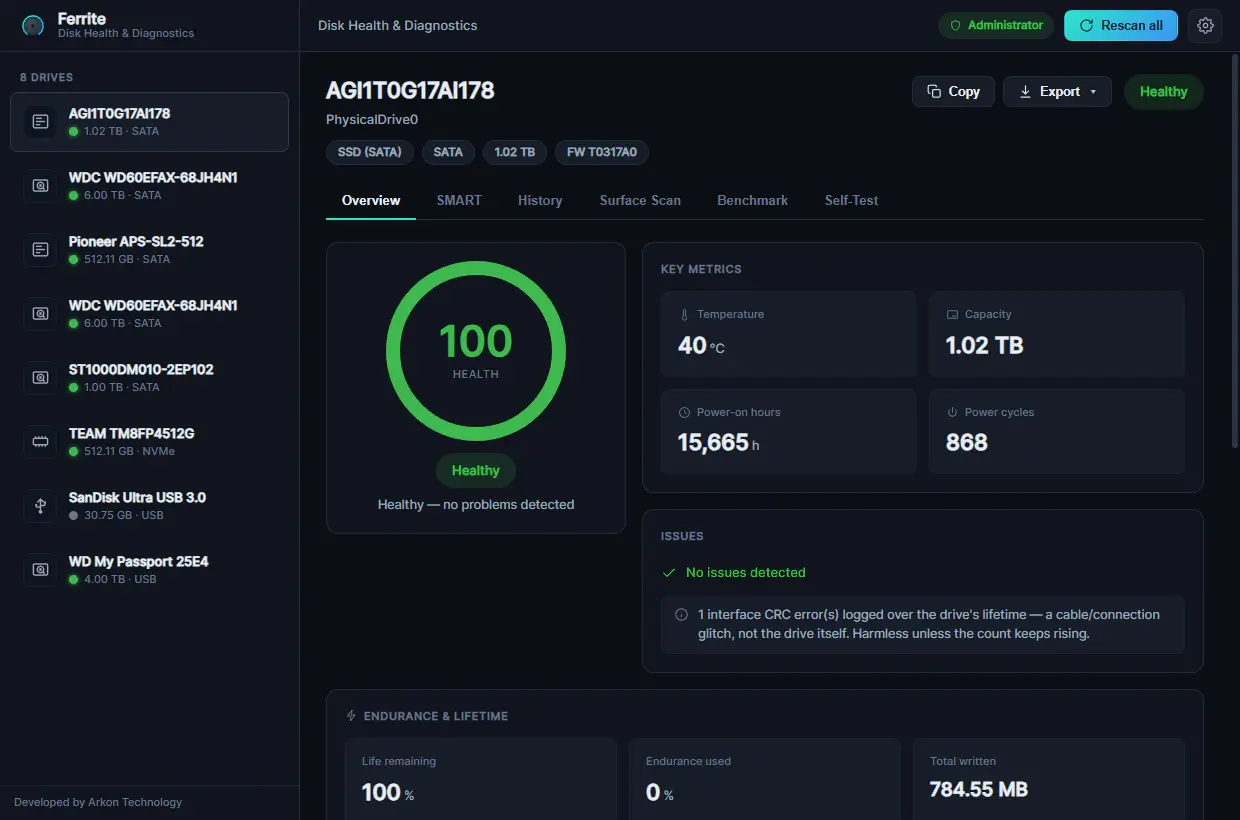
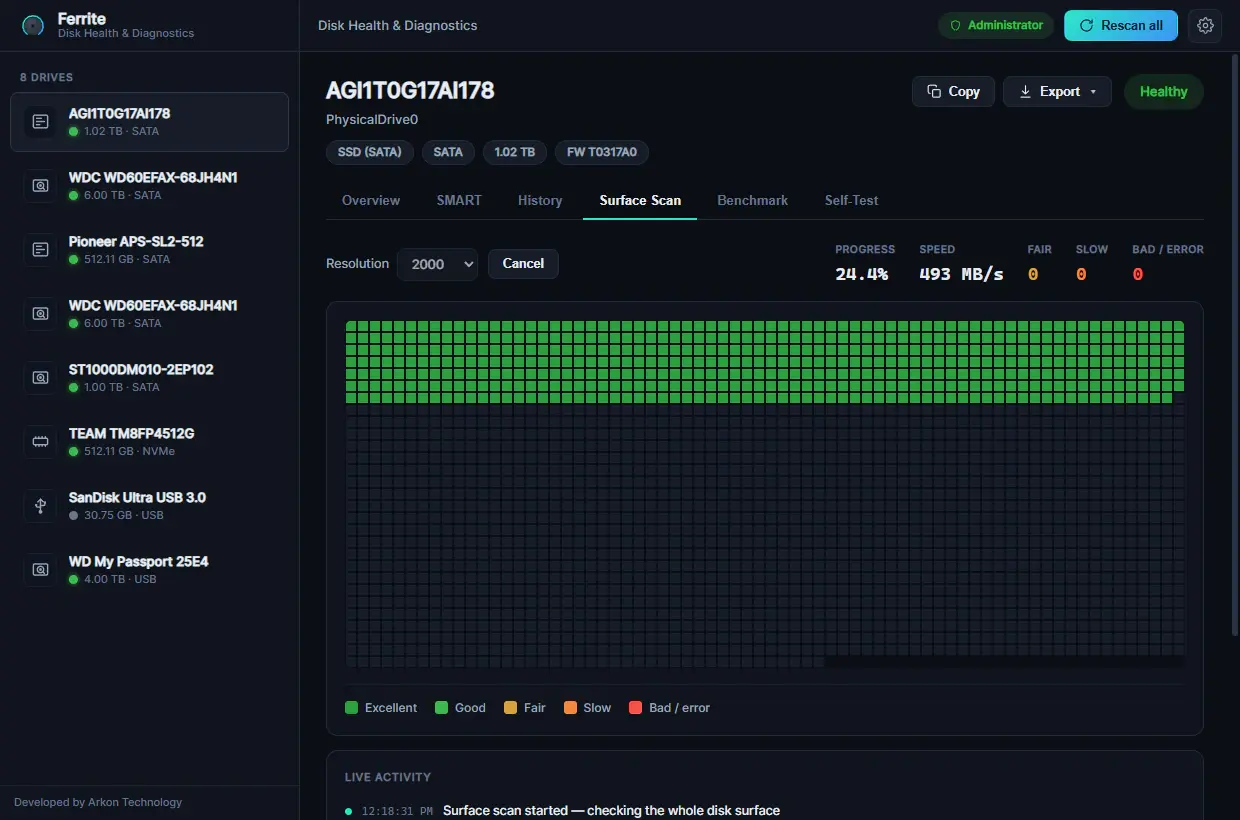
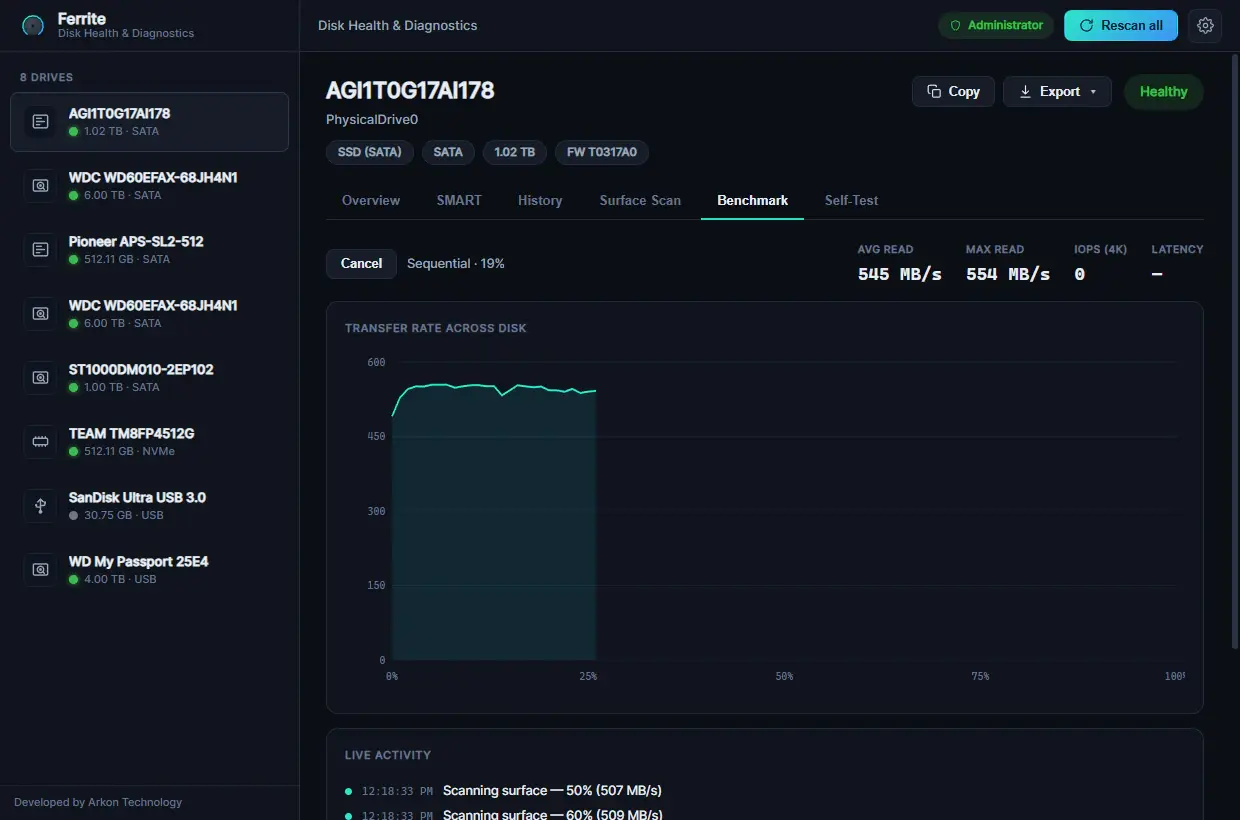
Ferrite is a lightweight Windows app that shows how healthy your drives are. It reads full SMART data, scores each drive from 0 to 100, scans the surface for slow and bad sectors, measures read speed, runs the drive's own self-tests and keeps watching in the background.
It is made for PC enthusiasts, IT and repair technicians, people who keep large archives, and anyone who suspects a drive is starting to fail.
Highlights
- Full SMART data and a clear 0–100 health score with a Healthy, Caution, Warning or Critical verdict. NVMe drives also show wear and an estimated remaining life.
- Non-destructive surface scan that maps slow and bad sectors on a live grid; full-read mode reads every sector.
- Read benchmark (sequential transfer curve plus random 4K IOPS and latency), and ATA and NVMe self-tests where the drive supports them, on demand or on a schedule.
- Background monitoring from the system tray, with temperature warnings, optional email alerts and a history of temperature, health and wear. Reports export as HTML, CSV, JSON or text.
- Works on SATA and NVMe SSDs, hard drives, USB external drives and memory cards, even unformatted or RAW disks that Windows can't mount.
- Read-only by design: Ferrite does not write to or modify the contents of your drives. No analytics or telemetry; drive data stays on your PC, and the only connection the app makes on its own is for licence activation and validation.
- Availability
- Windows 10 and 11 (x64) · English and Turkish
- Pricing
- Free to download. The app is unlocked with a paid, one-time licence (no subscription) that you can activate on up to three devices; the key arrives by email after you buy it through ferrite.arkon-tech.cc.
- Built with
- Rust
- Tauri
- React
- TypeScript
- SQLite
Open beta: the installer isn't code-signed yet, so Windows SmartScreen may ask you to confirm; the download page explains how. Ferrite reports and estimates drive health and cannot guarantee to predict every failure.
Let's build
Have a project in mind?
Tell us about your idea — a senior engineer will get back to you within one business day.